AI video editor and screen recorder
Record once. Edit everything by chat.
Got Motion is an AI video editor with a screen recorder built in. Edit the transcript like a doc, drop markers while you record, and ask the assistant for any cut, caption or motion graphic. No lock-in: your projects live on your own computer, not in an account.
Set up in 60 seconds
Part 2 of 6
Clickexport,pick9:16andyou'redone.
Cut 4 pauses · 6.1s
Added a lower third @text1
Checking the render…
Want captions on this one too?
A recorder that keeps notes
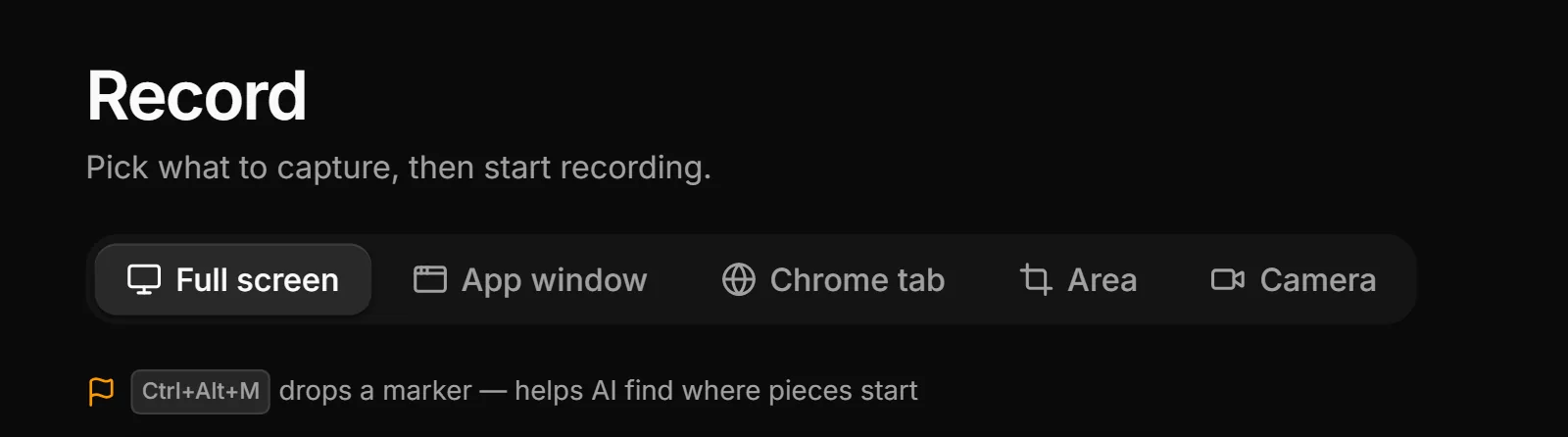
Full screen, a window, an area or your camera. Every click is logged for automatic zooms, and a shortcut drops a marker mid-take.
Edit the transcript
Delete a sentence and the video follows. Filler words are flagged for you to keep or cut.
Ask for any edit
Cuts, zooms, captions, motion graphics. The assistant makes real edits on the timeline that you can see and change.
No lock-in
Projects live on your own computer, not in an account. Buy once and the app keeps working, even if you never pay again.
Chat
Ask for the edit
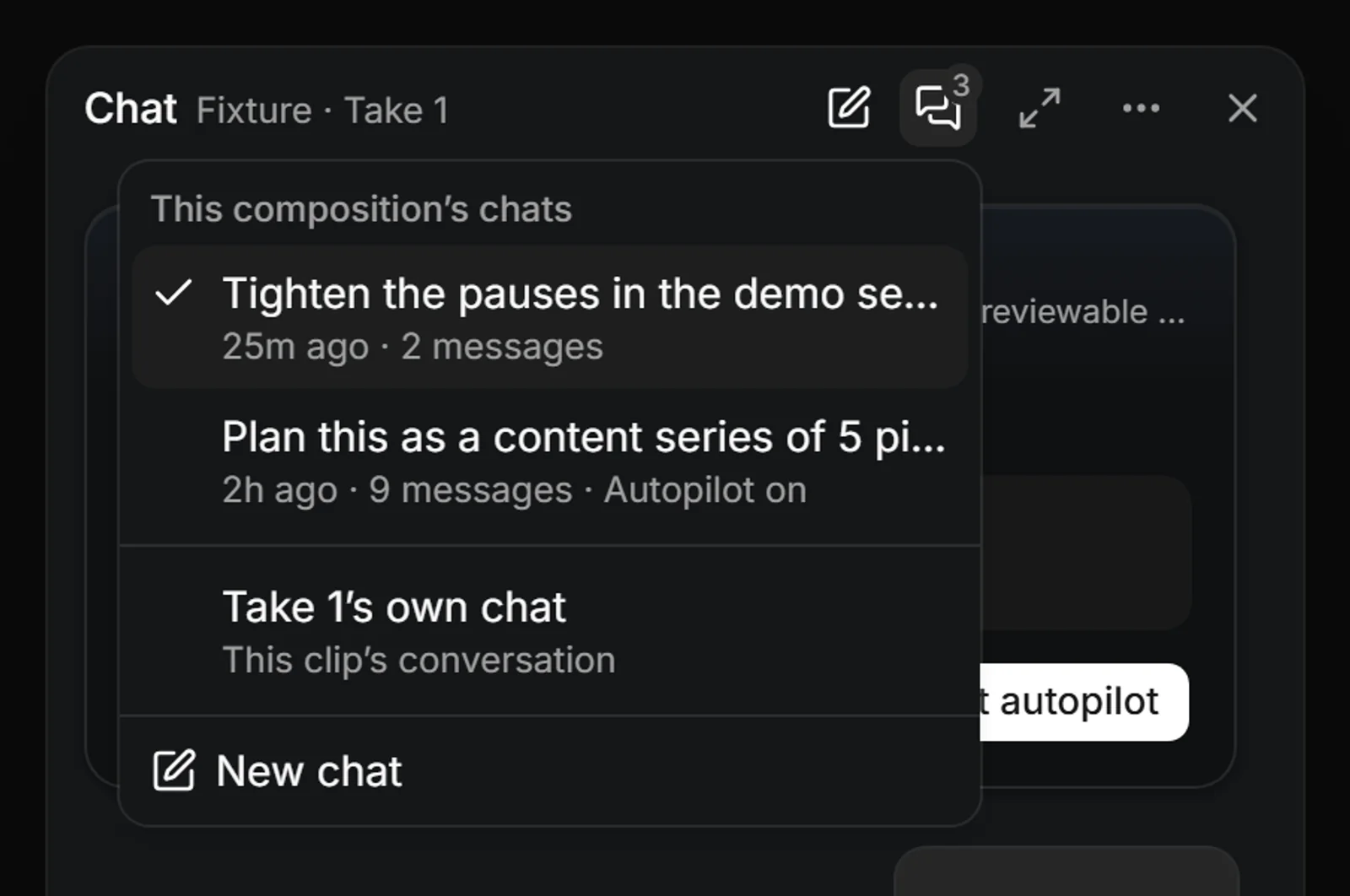
Chat sits wherever you want it: a small launcher you drag anywhere, a dock beside the timeline, or a full page. Name things with tags (“animate @img1, not the other one”), pin notes on the timeline as you watch, then press Run notes and the assistant works through them in order.
Transcript and captions
Edit the words, the video follows
Your narration is transcribed on your computer. Select a sentence to cut it, take or leave the “um” suggestions, and add word-by-word karaoke captions in a style from the library.
0:38 So that's the project list. um When you click export you pick the, sorry, let me redo that. Click export, pick 9:16, and you're done.
Clickexport,pick9:16andyou'redone.
Autopilot
Hand it the whole cut
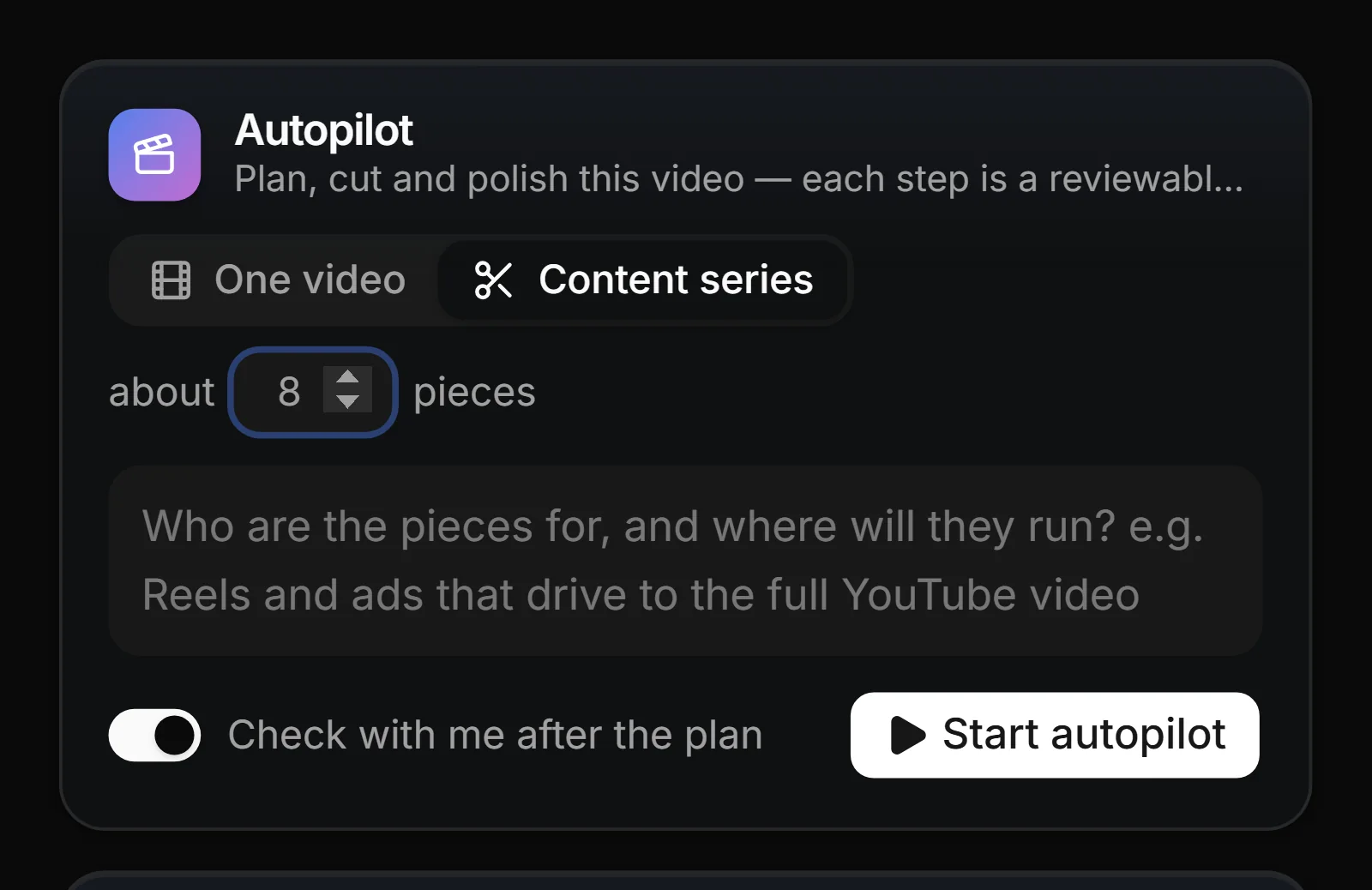
Autopilot analyzes the take, writes a plan, makes the rough cut, polishes it and checks the result, one reviewable step at a time. Leave “Check with me after the plan” on, and nothing is cut until you’ve read the plan.
Analyse Plan Rough cut Polish QA
One recording, a whole series
Talk once, post all week
Ask for a content series and the plan card shows every piece on a strip drawn to scale, with the cuts it will make. Press “Make these pieces” and you get a new composition for each one, trimmed to its part. The original recording stays exactly as it was.
6 standalone pieces
14:20 recording · 6 pieces · 9 planned cuts
3 more pieces
AI motion graphics
Describe it. Get layers you can edit.
Ask for an intro, a lower third or a callout, or show it a reference image. The graphic lands as separate layers with real controls, so you can reword the headline or retime the bar. Keep the ones you like in your library. The ShadCN UI Pack (20 templates) comes with the app, and more packs are coming.
Ship the demo, not the takes
Generated from one prompt, every part still yours to edit
Layers
Auto-zoom and cursor
Polish you don’t have to do
Every click is data, so zooms ease in on the action and glide back out, and the shaky recorded pointer is replaced with a calm, smooth one with click ripples. Each zoom is an edit you can move or delete, not pixels baked in.
Redaction
Secrets stay out of the cut
Got Motion reads the screen for emails, phone numbers, keys, tokens and card numbers, and suggests a blur over each for as long as it’s on screen. You review every one, and nothing is blurred without you. Draw a blur over anything else.
Signed in as sam@northwind.example · workspace Production
API_KEY=sk-live-4f9d…c2a1
Record
Pick what to capture
Full screen, an app window, a browser window, an area you draw, or just your camera. Press Ctrl+Alt+M mid-take to drop a marker, so the AI knows where pieces start.
Bring your own AI
It runs on what you connect
Got Motion has no AI bill of its own. Connect the assistant you already use, pay providers directly, and switch any time. Keys stay on your machine, and nothing goes to a provider until you ask for something.
The assistant
- Claude Code CLI · Opus 5.5, Sonnet 5.5, Haiku 5.5 or Fable 5.1, signed in on your machine
- Codex CLI · signed in on your machine
- An API key · OpenAI, OpenRouter or Groq
- A local model · LM Studio, or any OpenAI-compatible endpoint
Images and video
 fal · with your key; asks before every paid request
- Higgsfield · with your key; asks before every paid request
Transcription
- On your computer · a local Whisper model, downloaded on first launch
And everything around it
A full studio, not a screen grabber
Webcam bubble
A camera bubble you move and resize after recording, not before.
Mic and system audio
Your voice and your computer's sound in one take, with pause and resume.
Keystroke chips
Shortcuts you press show on screen, styled to match the video.
Backdrops and framing
Gradient, color or animated backdrops with padding, rounded corners and a shadow.
Speed ramps and ducking
Idle stretches speed up on their own, and music dips under your voice.
Every aspect from one take
16:9, 9:16, 1:1 and 4:5 from the same recording, with crop and pan.
Color grading
Presets and controls for the screen, the camera and your images.
Charts, slides and transitions
Drop in a chart or a slide, and pick the transition at every cut.
2.5D camera moves
Tilt and fly the camera through your footage on a 2.5D stage.
Sound effects and voice-over
A bundled pack of free sound effects, plus extra voice-over tracks.
Plan board
A built-in board for the videos you're planning, linked to their takes.
Local-first
Recordings stay on your disk and render on your computer, in an export queue.
Pricing
Buy it once. Keep it forever.
No subscription to use the app: one purchase, twelve months of updates included, and the app never stops working. An optional yearly pass keeps new versions coming after that.
Got Motion
$59 one-time
Limited to 25 at $59
Then $69 · regular price $199
- Keep it forever — not a subscription
- 1 year of updates included
- Chat, Autopilot and AI motion graphics — bring your own AI
- ShadCN UI motion pack included (20 templates)
- MP4 at 30 or 60 fps, and GIF
- 2 seats
Updates Pass
$49/year after year one
- New versions keep coming
- Optional — the app never stops working
- Cancel anytime; keep the version you're on
Got Motion is in early access. These are its launch prices: each is limited, and the price steps up as each one sells out.
FAQ
Questions, answered plainly
Normal recorders capture pixels and stop there. Got Motion also logs every click, keypress and scroll alongside the video, then rebuilds the video from that data. That's why zooms land on your clicks, the cursor can be redrawn smooth, and every effect stays editable.
You wrote it, now make it · coming
Plan and script in Got Motiv, our app for planning and writing content, then send the script to Got Motion as a new project. Planned for both apps, not built yet.
Your next demo deserves better than raw footage
Got Motion is in early access, on Windows for now. One purchase, with a year of updates included.
Get early accessLimited to 25 at $59